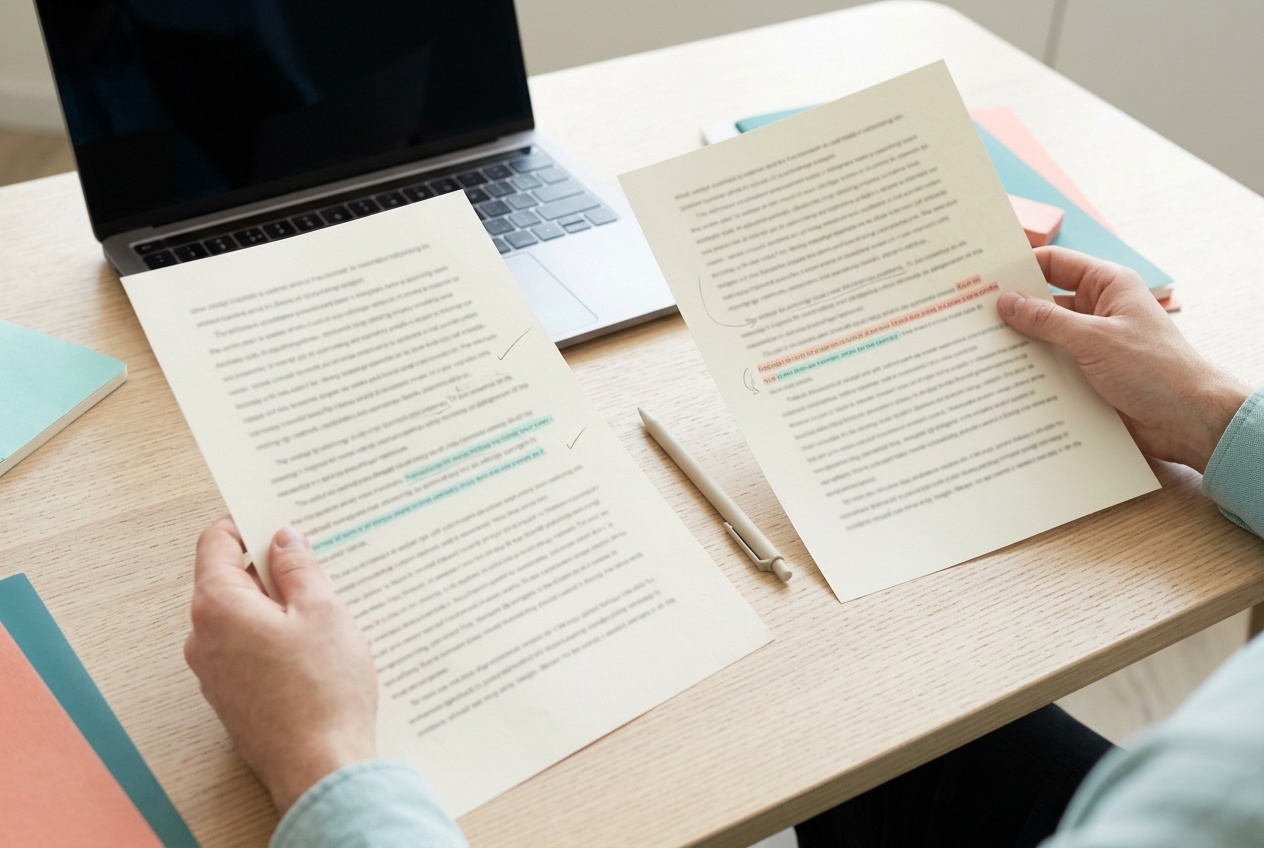
When a document has been edited in several places, rereading both copies from the beginning makes small changes easy to miss. A comparison can show where text was added, removed or changed, so you can review the edits with the original nearby.
Keep the two versions clear
Choose which copy is the original and which is the revision before comparing. Use a clear filename or keep each version in a separate open document. If you paste text into a comparison tool, include the complete sections you want to review; comparing different excerpts can make unchanged material look missing.
The Serynix text difference checker compares two text passages line by line. It keeps unchanged lines for context and highlights words in paired changed lines. Blank lines and trailing line breaks are included, so even a final newline can appear as a difference.
Review changes in a useful order
- Paste the earlier version into Original text and the later one into Revised text.
- Read the added and removed lines around each change rather than looking only at a highlighted word.
- Check dates, amounts, names, instructions and qualifications against the source material.
- Decide whether to accept each edit in your working document. The comparison identifies differences; it does not approve them for you.
For example, changing “The meeting is on Tuesday” to “The meeting is on Thursday” is a small textual edit with a meaningful consequence. A difference view can help you spot the changed day, but you still need to verify which date is correct.
What a text comparison cannot tell you
A text diff does not know whether a sentence is accurate, whether a promise is authorized or whether a change improves the argument. It may also treat formatting-only changes as text changes when copied content includes spacing or line breaks. Keep the source document open when context or formatting matters.
If a document contains tables, images, comments or tracked changes, copying its text may leave some of that structure behind. Use the original application's comparison feature when you need to inspect layout, reviewer comments or non-text elements as well as wording.
The checker runs in your browser and does not upload the text. Still, follow your organization's rules before pasting confidential material into any tool, and close the page when you finish using a shared device.
Frequently asked questions
Does a difference checker tell me which version is correct?
No. It shows how the text differs. Check the changed facts and wording against the source or the person responsible for the document before accepting a revision.
Why does a trailing line break appear as a change?
A line break is part of the text. It can affect how paragraphs or lines are displayed in some editors, so the checker preserves and reports it rather than silently discarding it.
Can I compare Word or PDF files directly?
This checker compares text pasted into its two fields. Copy the relevant passages from a document first. For layout, comments or tracked changes, use the document application's own review tools.