- Small Business Cybersecurity: A Checklist for Solo Owners
Working independently? Map essential accounts, test a backup and prepare for recovery.
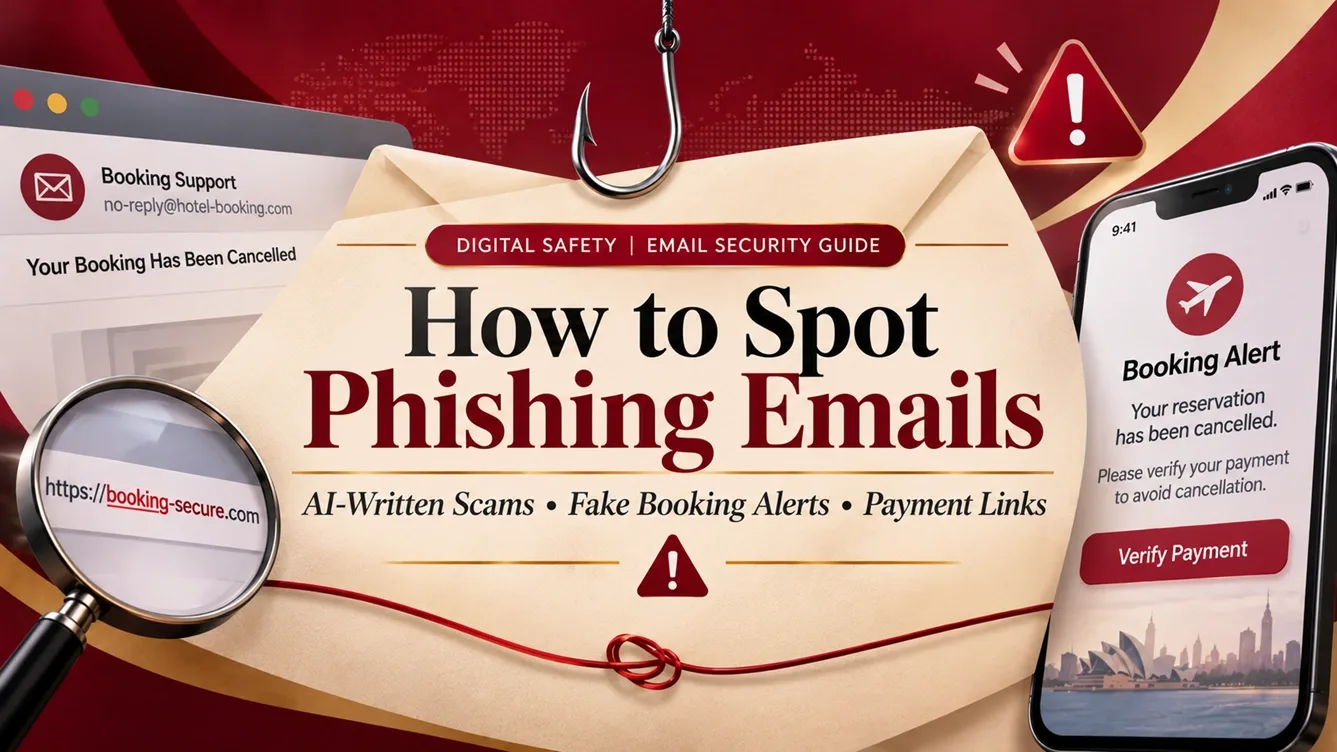
- How to Spot Phishing Emails: Red Flags in AI-Written Messages, Fake Booking Alerts and Payment Links
Received an unexpected message? Verify the request through a channel you already trust.
- How to Check If a Shopping Website Is Legit Before Paying
Considering an unfamiliar online shop? Check the seller, website and specific offer before paying.
- How to Remove a Virus from a Laptop
Windows or mixed laptop troubleshooting: check the alert, scan and identify when to seek help.
- How to Remove a Virus from a MacBook
MacBook: check Apple warnings, unwanted apps and Safari notification permissions.
- How to Remove a Virus from a Mobile Phone Safely
Android or iPhone: distinguish a fake webpage warning from an app problem.
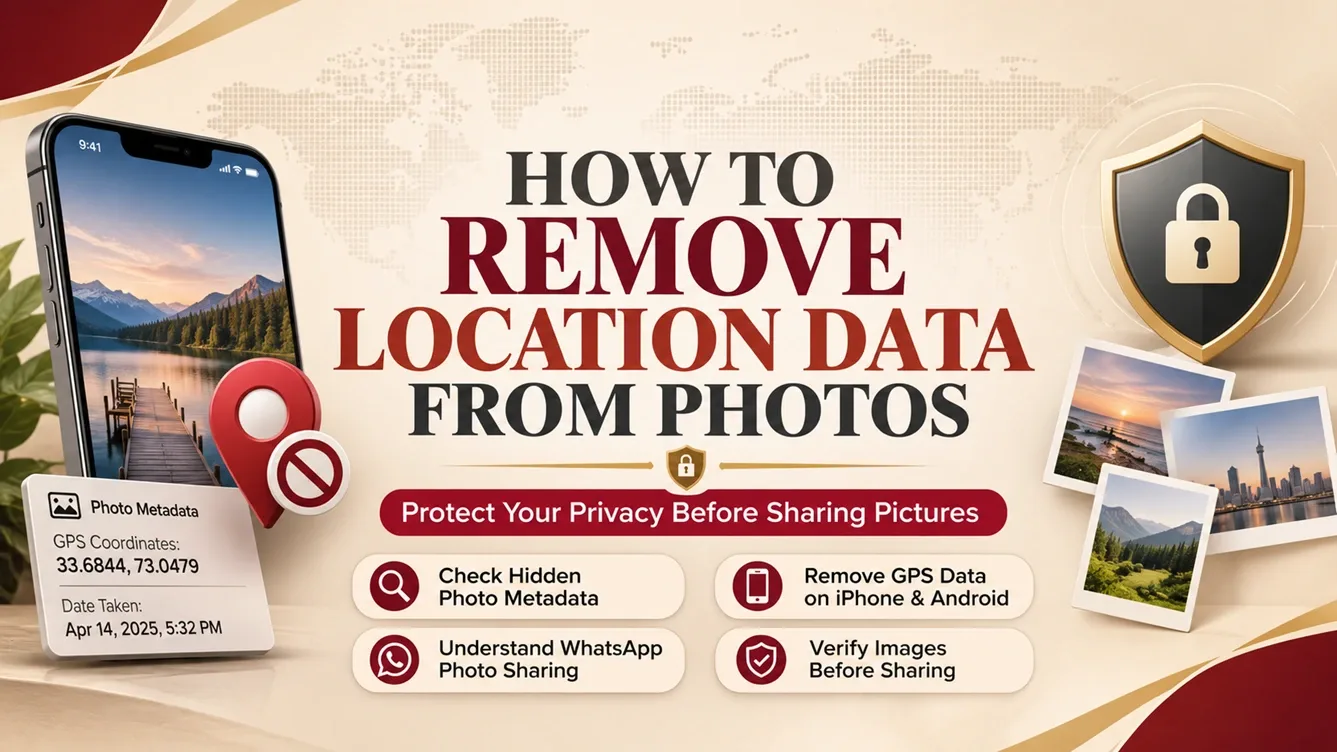
- How to Remove Location Data From Photos Before Sharing Them
Before sharing a photo: remove GPS from the actual copy and inspect the result.