
How to Create a Strong Password or Passphrase
Learn why unique passwords matter, when a passphrase can help, and how to choose and store a strong password without relying on memorable personal details.
Serynix categories
Useful tools and clear examples for everyday calculations, writing, and getting the details right.
These are independent tasks: protect a sign-in, link a printed item to a destination, or label stock for a receiving system. Choose the relevant guide, then check the result in its real setting. A strength estimate, scannable preview or valid check digit answers only part of the question.
Explore Everyday Digital Tools
Learn why unique passwords matter, when a passphrase can help, and how to choose and store a strong password without relying on memorable personal details.

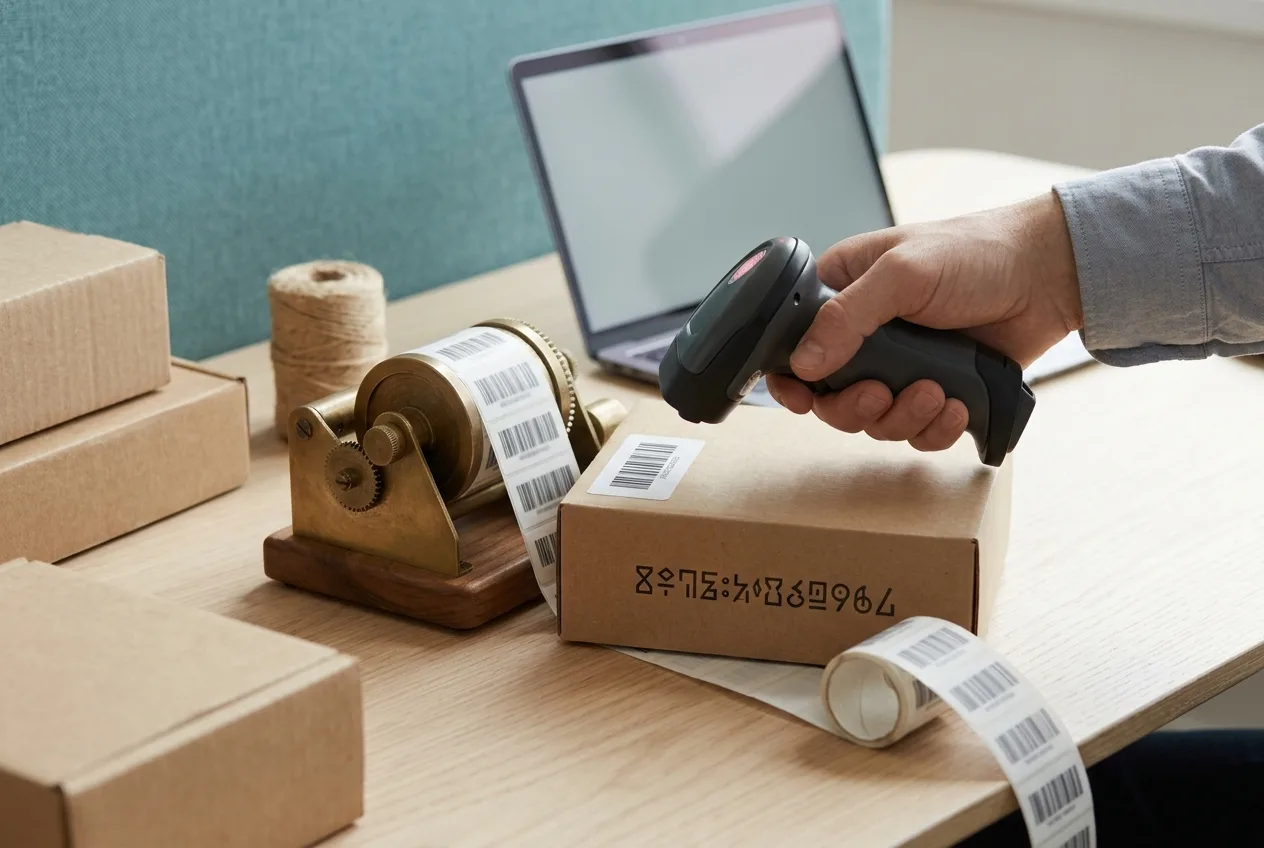
Learn the difference between common barcode formats, how check digits work, and why a valid-looking barcode still needs a real scanner test.

Learn what to put in a QR code, how to make one for a link or contact, and how to check the finished code on a phone before using it.
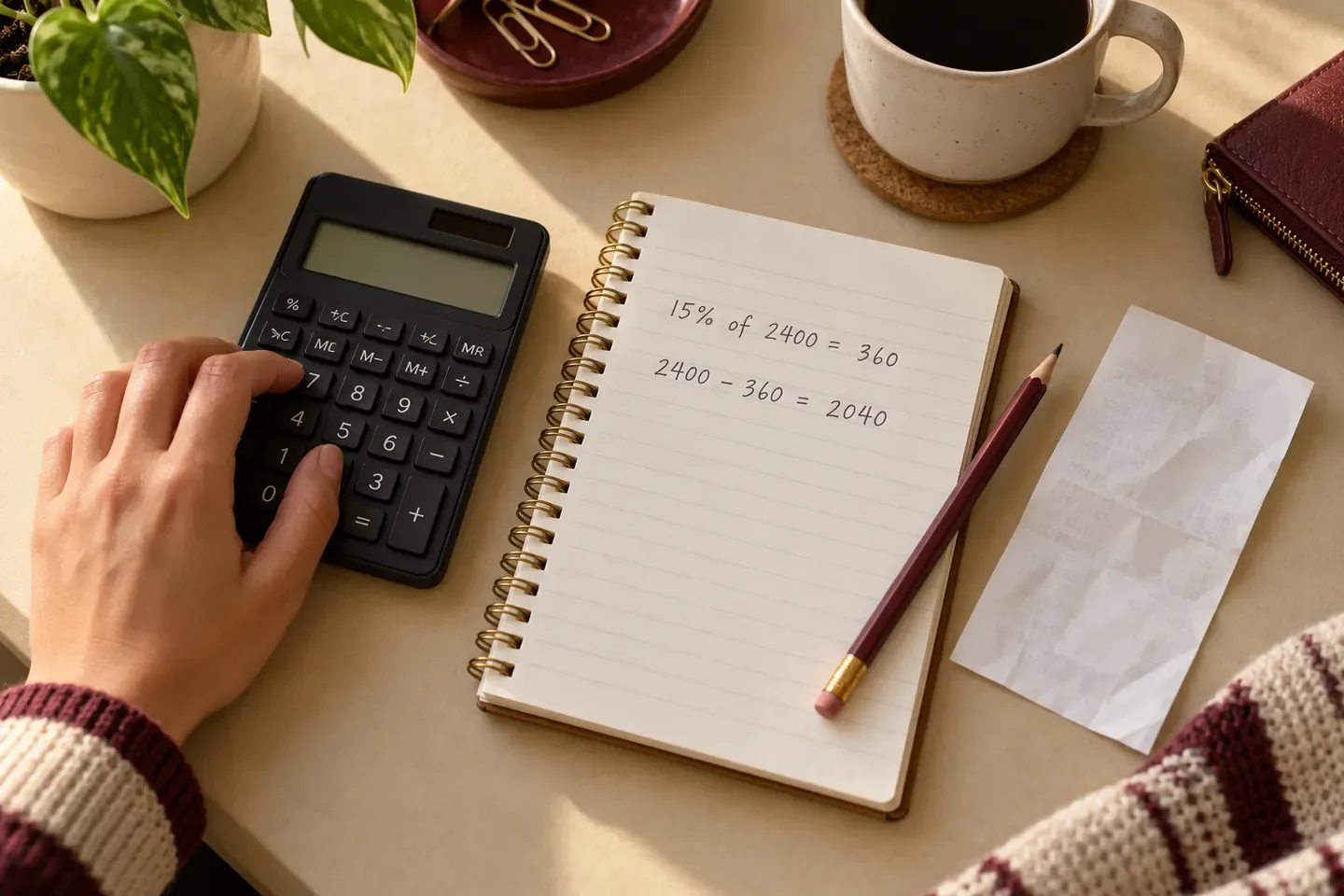
Work through discounts, proportions and percentage changes with the starting value clearly identified. Each example shows what to divide by and how to check the answer.
Explore Everyday Maths
Learn how to calculate a percentage with clear examples for discounts, scores, and increases or decreases, then check your answer with a percentage calculator.
A smaller file, a different format and different dimensions solve different problems. Start with the destination's requirements, then use these guides to change only what needs changing.
Explore Image Tools
Learn how image dimensions, formats and quality settings affect file size, and how to compare a compressed result without assuming smaller always means better.

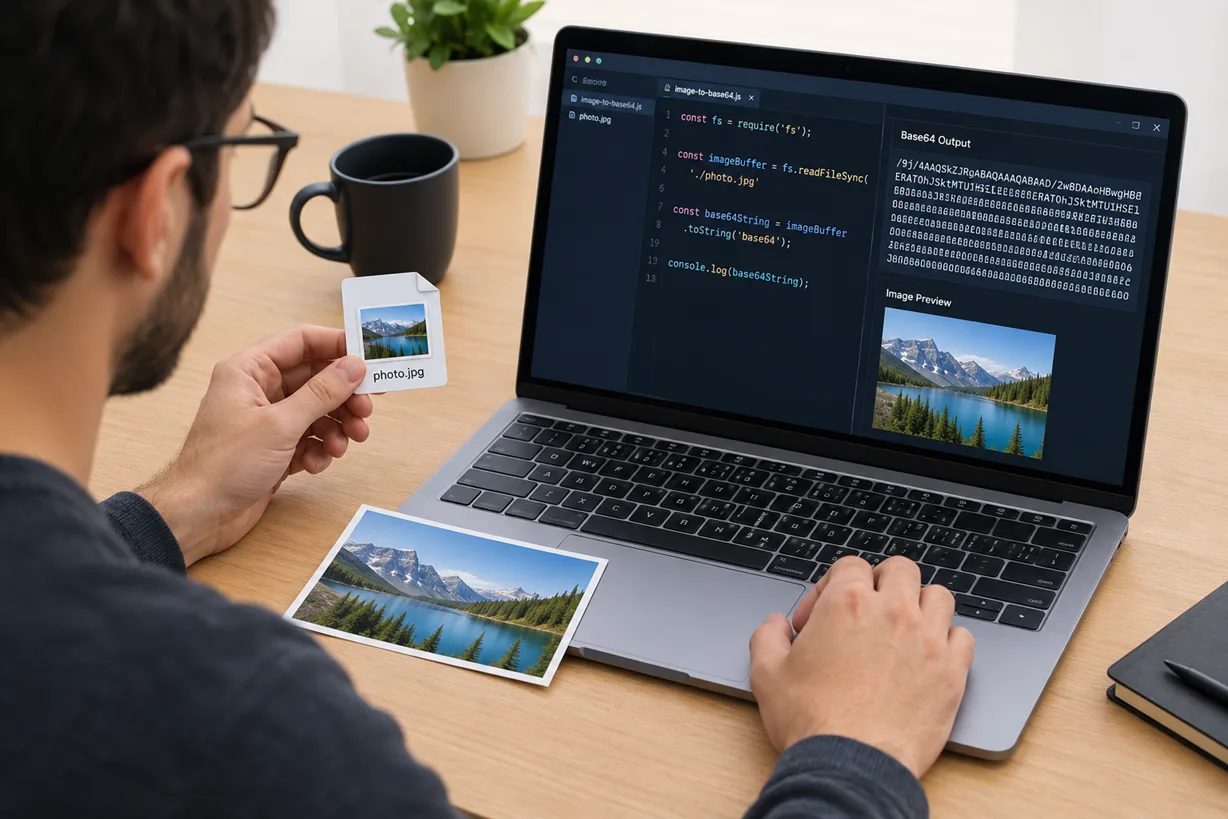
Understand image Base64, data URIs and common uses, then learn how to encode or decode an image without mistaking text encoding for compression or security.

Learn how image dimensions and aspect ratio work, when to fit or crop, and how to prepare an image for a page, profile or form without distorting it.

Compare PNG, JPEG, WebP and other common image formats, understand their tradeoffs, and choose an output that suits the image instead of just changing its extension.
Check a draft's length or compare its wording before you submit it. These guides explain what the tools count, what they compare and which details still need a human review.
Explore Writing Tools
Learn a simple way to compare two text versions, review additions and removals, and avoid treating a difference report as approval of the newer draft.

Learn how to count words with an online word counter, Google Docs, or Microsoft Word, including how to count one passage and avoid word limit surprises.